
Upload your photos
Choose two individual portraits or one photo together. Clear, front-facing photos give the model a better starting point.
Step into the spotlight with Zreel. Turn two photos into a rap performance — pick your stage, set the vibe, and make it yours.
Start with a photo. Make it a performance.
Checking your account and video generation service…
Two familiar faces. One unforgettable entrance.
Example video for inspiration. Your result appears in the creator after generation.Best friends, a favorite duo, or a playful family moment. See how a simple photo becomes the start of a story.
Choose two individual portraits or one photo together. Clear, front-facing photos give the model a better starting point.
Choose a setting, video quality, length, and format. Add an optional topic to guide the mood of your clip.
Review the credit cost, then generate. When your video is ready, preview it and download it from the creator.
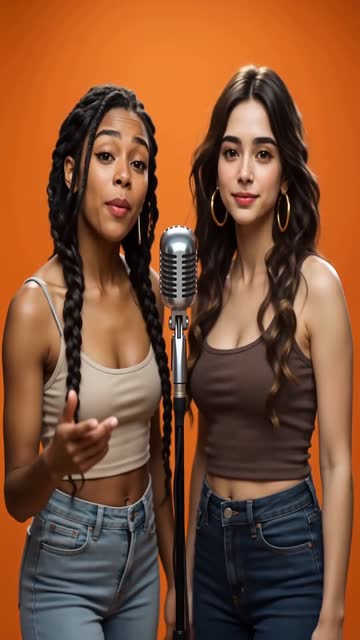 You take the lead
Turn an everyday portrait into a playful performance. Start with two separate photos or a shared picture, then let the Hotel Lobby setting bring the scene together.
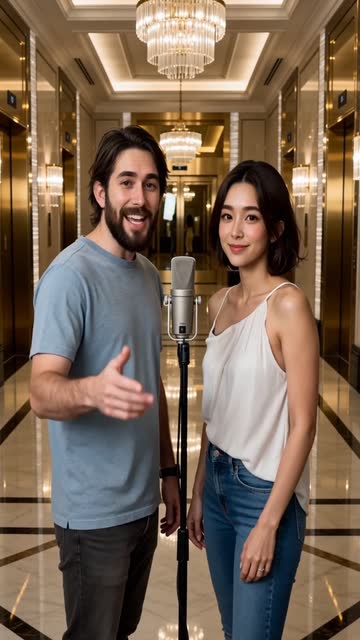 Set your own scene
Begin with the signature hotel setting, or explore another stage. Adjust the length and quality, and add a topic to give your video a more personal direction.
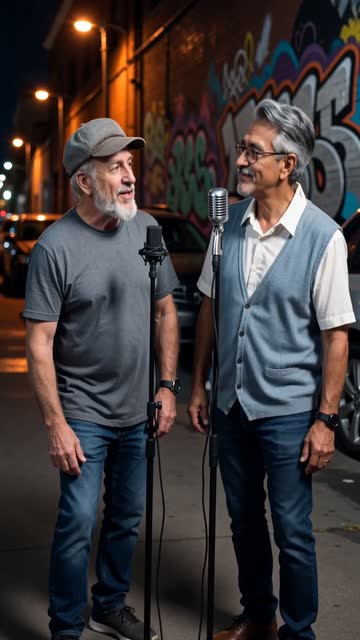 Ready for your next post
Create a vertical clip for your feed, a square for your profile, or a landscape video for a bigger screen. Preview the finished result before downloading.
It is a photo-to-video experience inspired by the playful Hotel Lobby rap trend. You provide photos, choose the setting and video options, and the generator creates a short performance-style clip.
Use clear JPEG, PNG, or WebP images under 10 MB each, with faces visible and good lighting. You can upload two separate portraits or one photo containing both people. Use only images you have permission to upload.
Yes. Open the quality settings to choose an available model, resolution, duration, and aspect ratio. Available combinations and credit costs are shown in the creator before you submit.
No. The examples show creative directions you can explore. Your own result is generated from your submitted photos and settings, and appears separately in the creator when it is ready. AI outputs can vary.
Generation requires the video service to be configured, an eligible signed-in account, and sufficient credits. The creator shows the current service status and any error returned by the generation service.
Once generation finishes successfully, the creator displays your video with playback controls and a download link. Preview it there, then save the file to your device.
Give them a beat, a scene, and a little Hotel Lobby energy. Your next creative experiment starts here.
Create my video